
My Alarm Status User Manual
Subscriber ON/OFF Test Portal
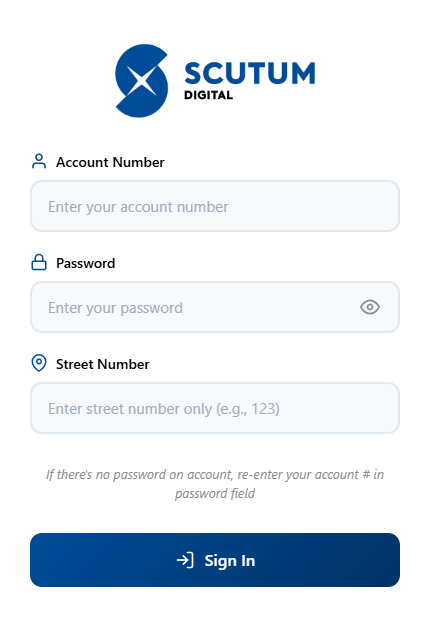
- Go to MyAlarmStatus.com
- Enter "Account Number": Your Central Station Account Number.
- Enter "Password": Password Associated with account.
- Enter "Street Number": This is the Street Number only of account.
Example: If your address is 123 Main Street, enter 123 here.
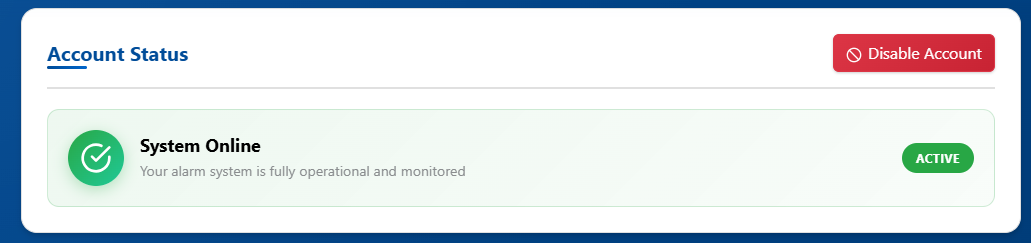
- Once Logged in, it will take you to the screen below. To place the account On Test, press the red button labeled "Disable Account".
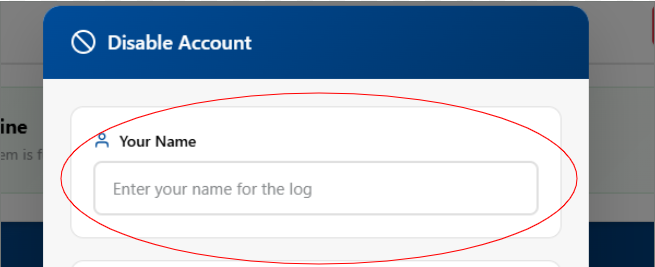
- On pop up window enter in your full name.
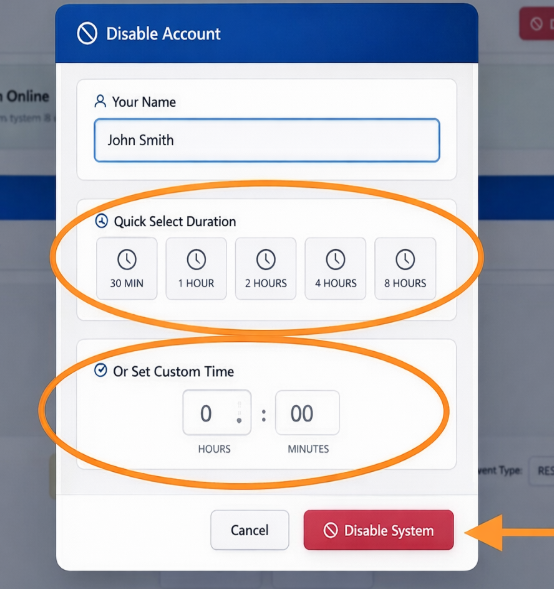
- Choose your offline time by selecting quick action buttons or entering a custom time. Then click the red button labeled "Disable System" to save it.
- To take the system OFF TEST so the account is LIVE, press the ENABLE button on the right of the test session.

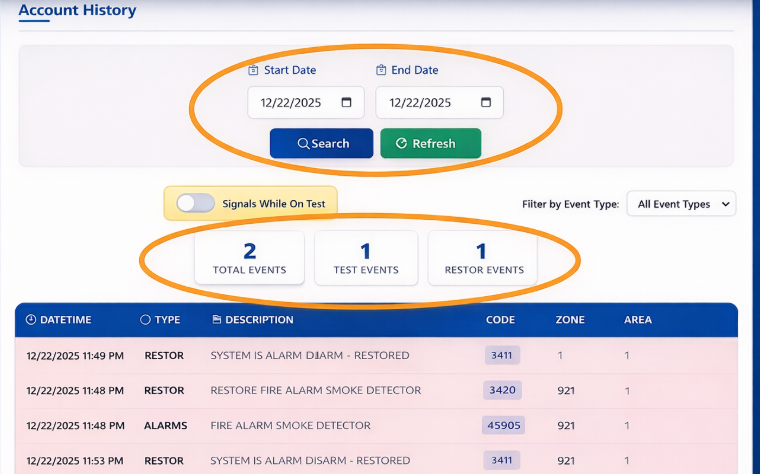
- To view the recent history of your account, set the date ranges and press "Search". Press the Refresh button to refresh the account events.
My Alarm Status User Manual - Help Form
Reach out to our team with questions or for help with My Alarm Status.